 in the Instrument and Instrument List.
 There are a number of useful reports available in the system, both from the Administration pane and from the green arrow menu in the Instrument and Instrument List.
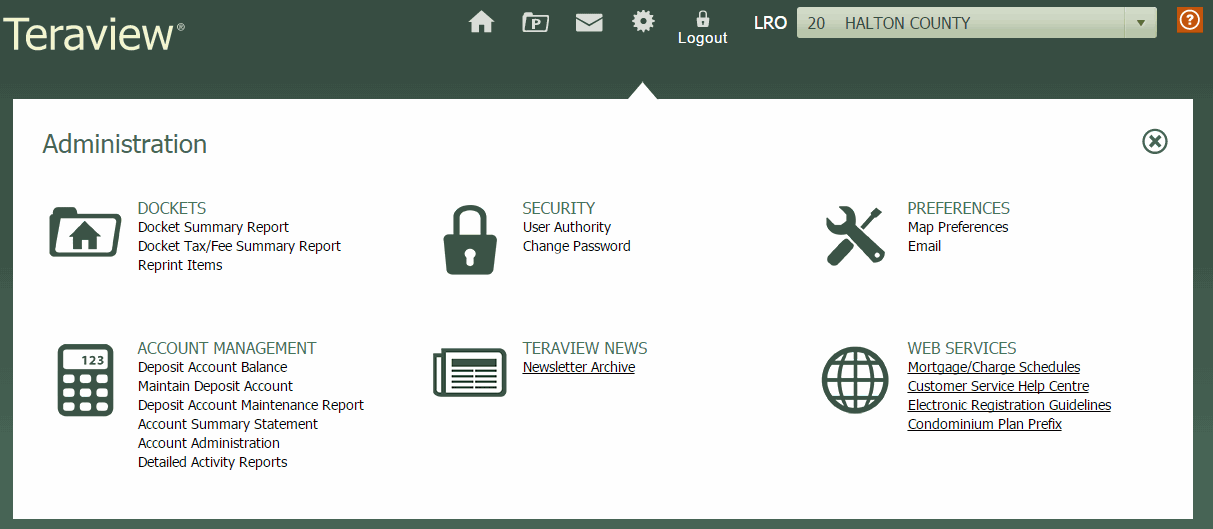
For the sake of this scenario, we will look at the Docket Summary.
Note: The data and display shown in these scenarios may differ from the display in your training environment.
 .
. The Administration Pane opens.
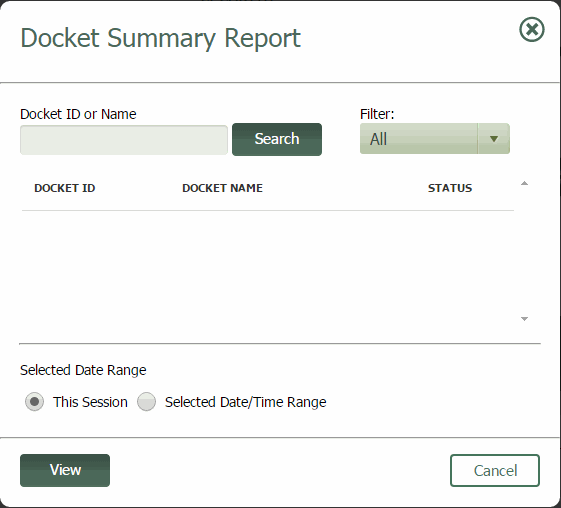
The Docket Summary Report window opens.
The Docket Summary Report displays in a PDF window.
Note: The data and display shown in these scenarios may differ from the display in your training environment.
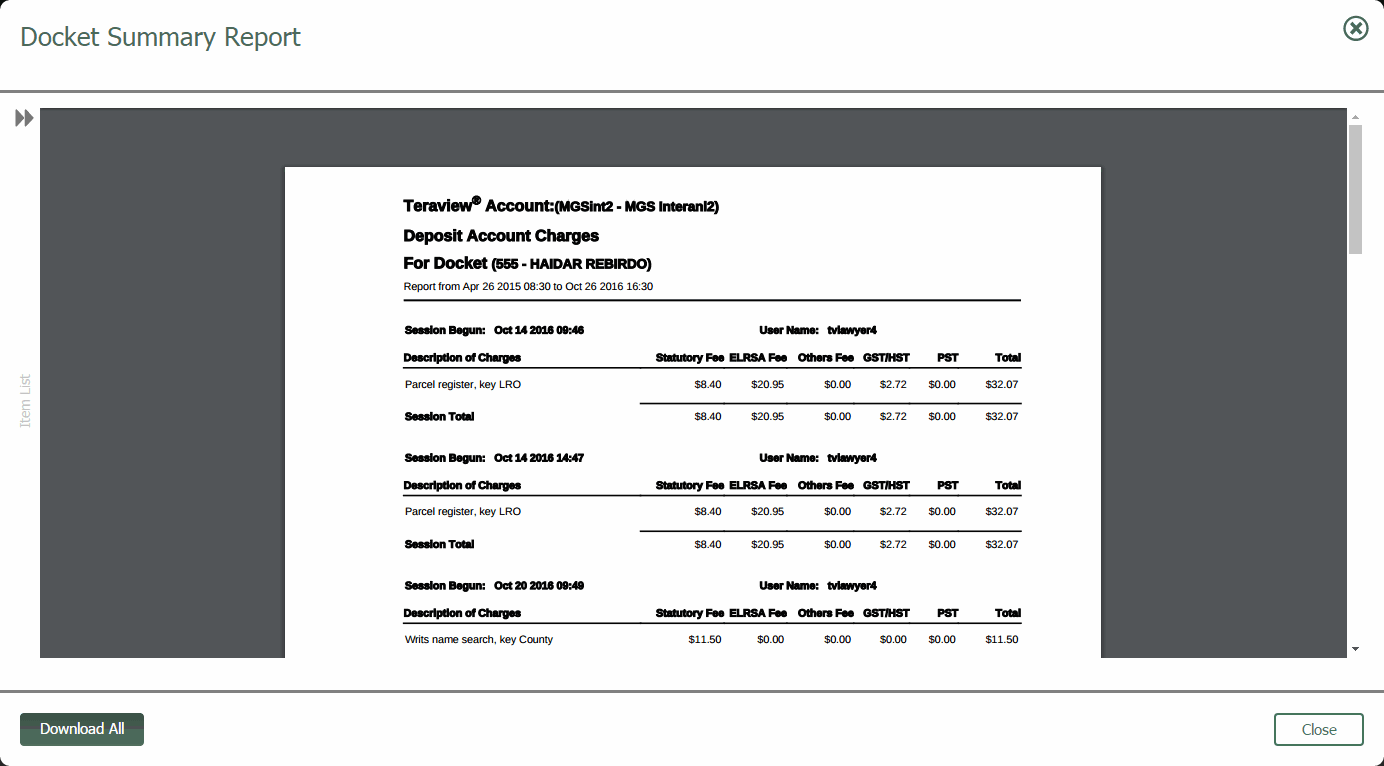
 on the left side of the PDF window to view the left hand pane, displaying all the reports contained in the request.
 From here, you can save or print, as you normally would.